x.archiv
x.archiv is the basic version for scanning paper documents and for electronic documents. It supports scanners, manual file import and automatic import of image files, documents and PDF files via a central document inbox folder.

Archive medical images and documents in a patient-centred and efficient manner. With a modern user interface, deep integration with practice software and a flexible range of functions, x.archiv offers the right archiving solution for every practice – based on more than 20 years’ experience in the market.
A wide range of import sources enables the digital archiving of image files, documents and PDF files. The image list provides a quick, patient-centred overview of these documents. Depending on your individual requirements, you can view additional information, switch to full-screen mode or edit the documents.
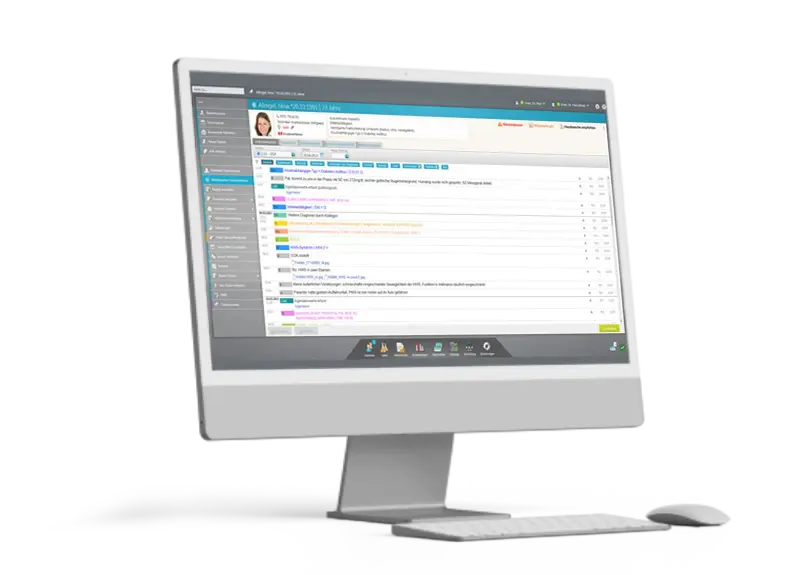
x.archiv is deeply integrated into the practice software: individual functional areas can be accessed directly from the practice software in a patient-centred manner, such as document scanning. Furthermore, archived images can be previewed within the practice software and accessed quickly and easily with a single click.
Thanks to this integration, users created in the practice software are also synchronised with x.archiv and are therefore automatically available in both systems. In x.archiv, you can search directly for patients from the practice software without having to switch applications.
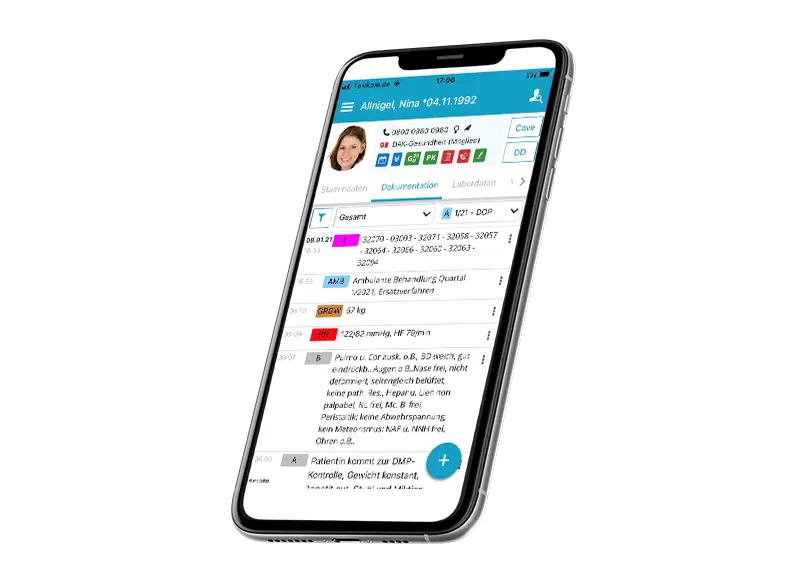
Requirements and preferences for archiving solutions vary depending on the specialist field, the medical equipment used and the various use cases.
With four editions – Basic, PLUS, DICOM and PACS – the x.archivproduct family offers the right range of features for everyone. You can choose the one that suits you best. Optional add-on modules round off the customised fit. With Document Pro, for example, content can be extracted from scanned documents using optical character recognition (OCR) and saved as a report, for instance.
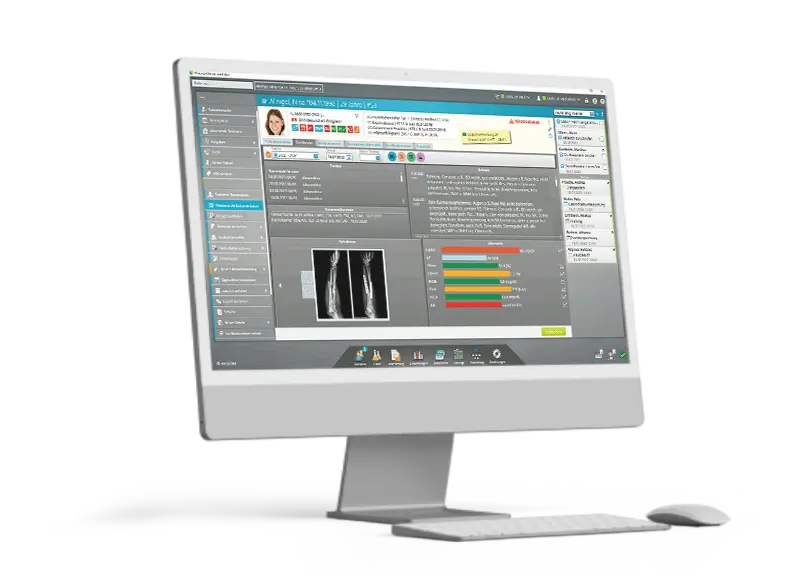
x.archiv guarantees audit-proof archiving with comprehensive logging of all image accesses, forwarding or confirmations. As a Class IIa medical device, ‘x.archiv’ can also be used to support decision-making for diagnostic or therapeutic purposes. Depending on the scope of the edition, still or moving images (loops, films) in DICOM image format can, for example, be used for the subsequent measurement of lengths or speeds.
x.archiv is the basic version for scanning paper documents and for electronic documents. It supports scanners, manual file import and automatic import of image files, documents and PDF files via a central document inbox folder.
x.archiv In addition to the range of functions offered by x.archiv, PLUS allows you to connect video sources, such as ultrasound scanners, via DICOM 3.0. Patient data can be sent digitally via the DICOM worklist directly from the practice software to an ultrasound scanner. Still images received in DICOM format are saved in JPG format for documentation purposes.
Building on x.archiv PLUS, x.archiv DICOM supports the archiving of moving images, such as loops or films. Images are saved in DICOM format and can therefore also be used for diagnostic purposes at a later date. Via the DICOM worklist, additional information such as height, weight and the examination request can be transmitted to ultrasound scanners.
x.archiv PACS is the professional version for connecting digital X-ray systems and other DICOM devices, as well as numerous image sources (non-DICOM), for scanning paper documents or for electronic documents. This version enables communication with a DICOM device and the further processing of data in DICOM format.
Let patients complete and digitally sign your practice’s own forms (e.g. consent forms) on a tablet. Patient details are automatically pre-filled and the forms are then archived directly under the patient’s file.
Patients can complete forms (e.g. medical history forms) at home without feeling rushed, sign them and send them digitally to your practice. It is also possible to scan a QR code at reception and then complete the form in the waiting room using the patient’s smartphone.
Take photos in your practice using your smartphone camera (iOS operating system) and save them directly to the relevant patient’s file in x.archiv. You can also import photos from your smartphone’s photo gallery.
The printer is a printer installed on Windows that allows you to save documents from any Windows application (e.g. Microsoft Word) as images in the format x.archiv.
* The eForms module is required to use eForms Anywhere.
x.archiv is a Class IIa medical device. It can therefore be used to support decision-making in diagnosis and treatment.
This classification gives rise to certain obligations for the operator. The Medical Devices Operator Regulation applies, in particular Section 4, ‘General Requirements’.
You can book installation and training with us — we are an authorised medatixxservice partner. You will then receive certificates confirming that the installation and training have been carried out correctly.
Please get in touch — we’ll explain what this means for your practice and how the process works.
About the provider: x.archiv (opens in a new window)
You’ll also find a An online demo lasting around seven minutes (opens in a new window).

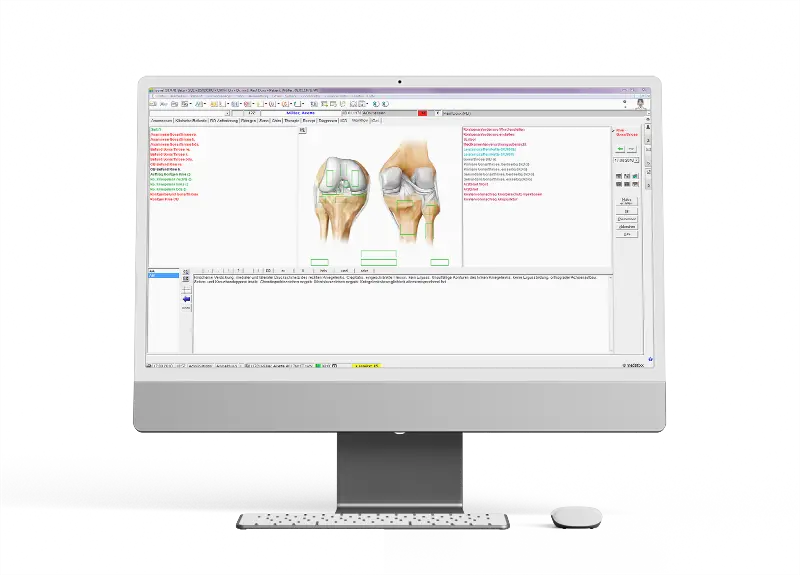
* Not available in all editions of ‘x.archiv’
We will work with you to determine which edition is suitable, carry out the installation and provide training, and issue the certificates required by the Operator’s Regulations.
Book online – you will be redirected to Microsoft Bookings.
Book an appointment (opens in a new window)The direct line. Available Mon–Fri 08:00–18:00.
+49 3765 386470On-screen help — load the programme, say the number.
Start remote maintenance (opens in a new window)Please briefly describe your enquiry — we’ll get back to you.
Send an enquiry